
Postgres, running
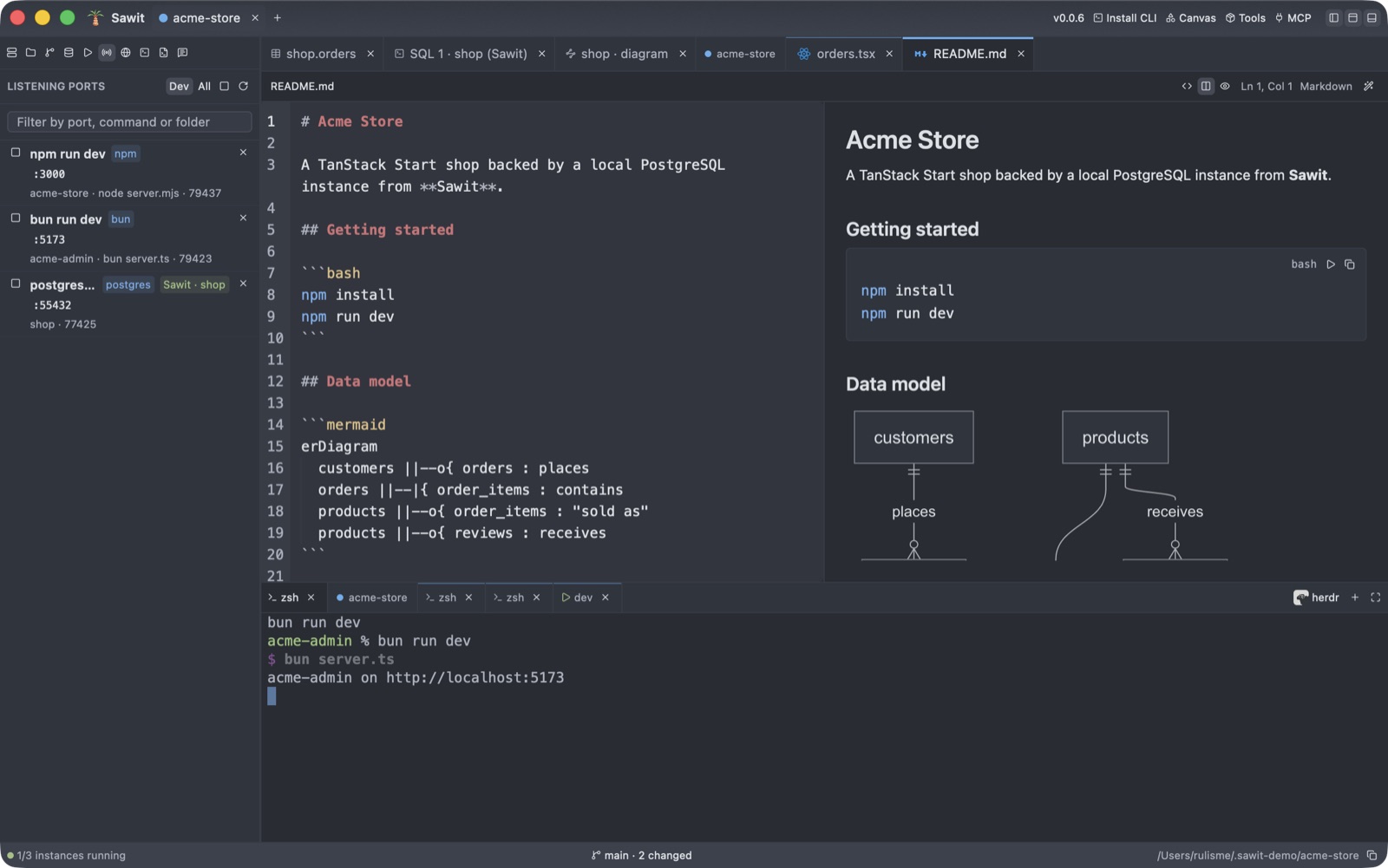
PostgreSQL 16, 17 or 18 from Homebrew, Postgres.app, your PATH, or a download Sawit fetches itself. Each instance listens on localhost only.
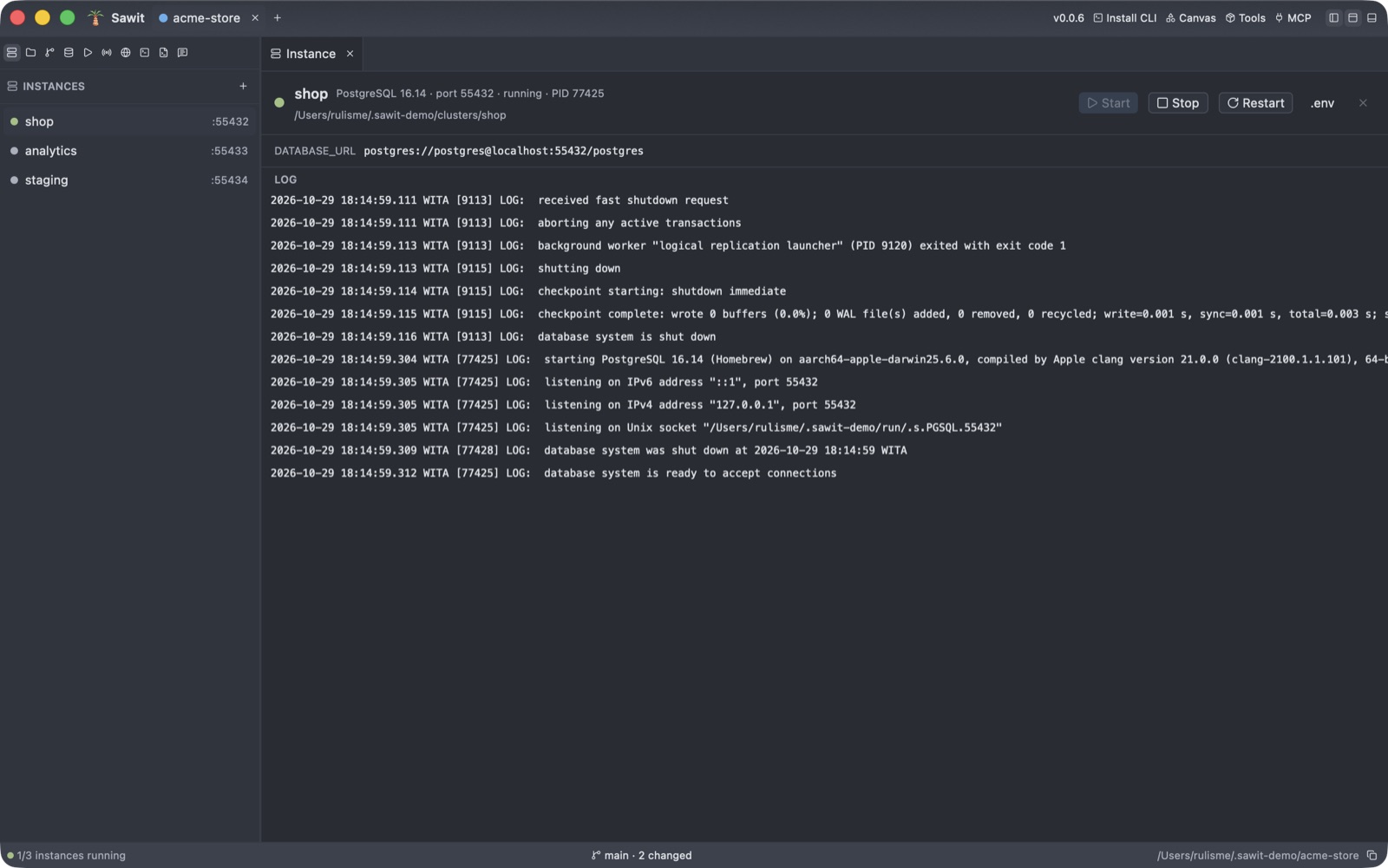
LOG: database system is ready to accept connections
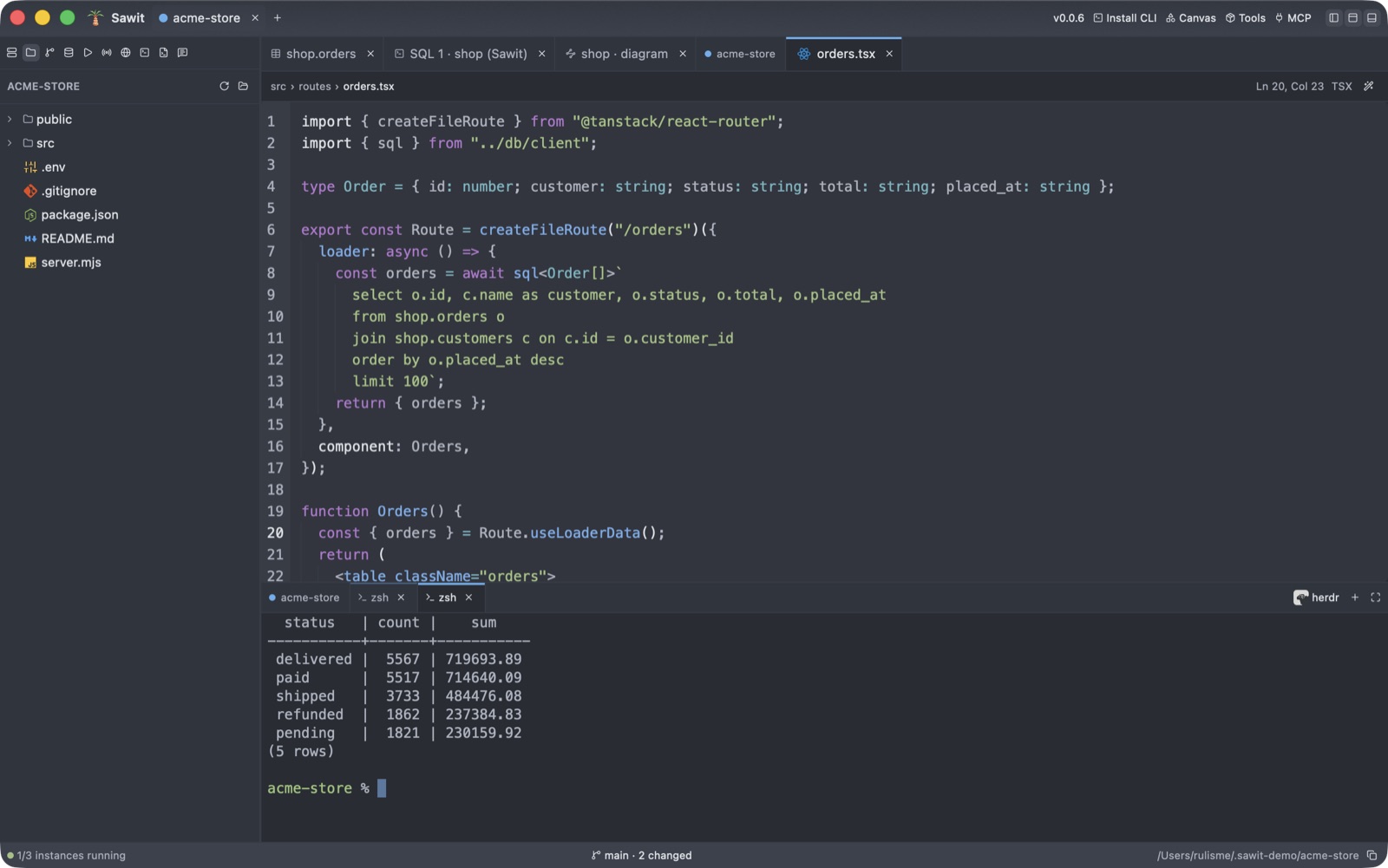
One window, every tool
Runs the selection, or the whole editor. Results stream in, with DETAIL and HINT on errors.
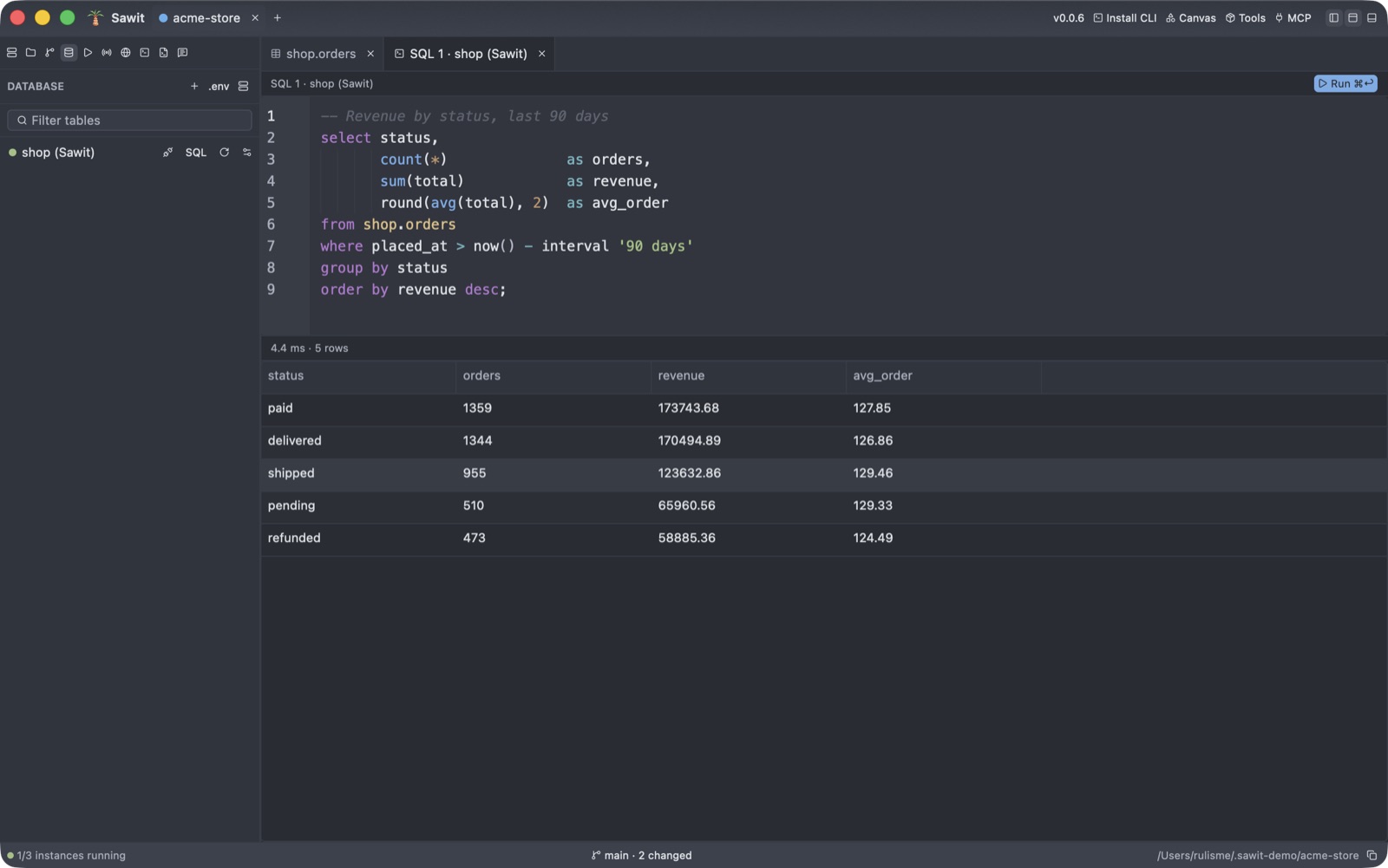
A database, no Docker
PostgreSQL 16 · :55432- Listens on localhost only
- postgres superuser, trust auth
First you name it.
No other process, Homebrew service or Docker container- Shadowed binds caught too
- Start is held on a conflict
Then Sawit checks the port.
pg_ctl start- Live log in the window
- Stop and restart one click away
Then it starts, with its log.
postgres://postgres@localhost:55432/postgres- Written to the project’s .env
- TanStack Start, Next.js, Rails connect
Last, your app connects.
The sawit menu
Served in any terminal, with or without the app open.
Kebun · the estate
sawit kyzntablesLists the tables of a databasesawit kyzn leadsrowsThe first 100 rows, like psqlsawit kyzn leads "phone is null"whereThe text becomes the WHERE clausesawit listeverythingInstances, databases, ports and connections
Panen · the harvest
sawit panen kyzn leads leads.xlsxexportA table or a query, to CSV or Excelsawit backup kyzn kyzn.dumppg_dumpThe database, one schema or one tablesawit tanam kyzn leads leads.csvimportPlants a CSV in a table, all rows or none
Bakar · the burning
sawit bakar portsstopDev servers only: asks, then SIGTERM, then SIGKILLsawit bakar ports 3000 -ystop :3000Whatever listens there, without askingsawit bakar instancespg_ctl stopRunning instances; the data is kept
Pupuk · the fertiliser
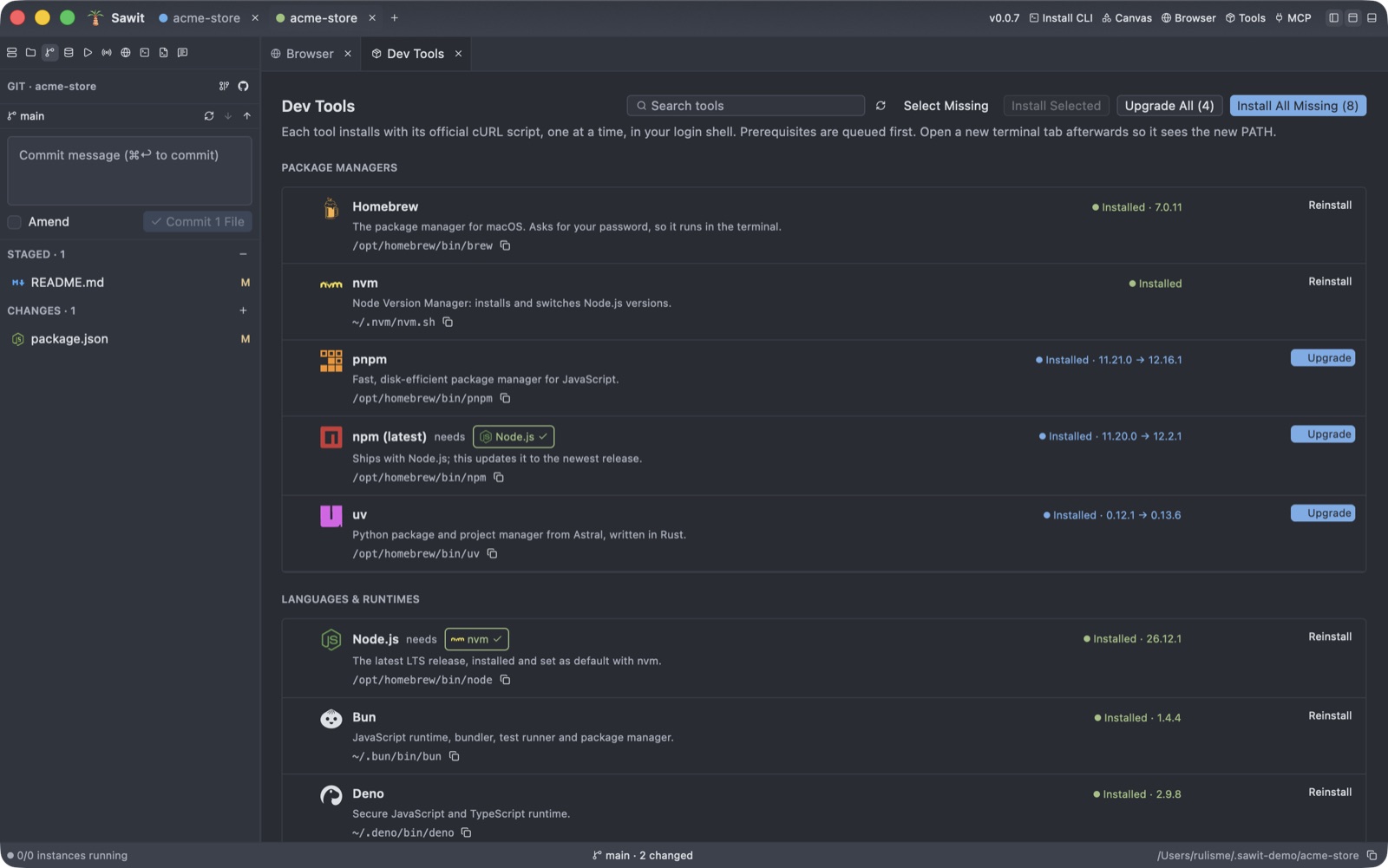
sawit list toolstoolsPackage managers, runtimes and AI agentssawit pasang bun uvinstallOfficial install scripts, prerequisites firstsawit pupukupgradeEvery tool with a newer release
Output in Indonesian: “Bakar 2 lahan di atas? Asapnya tanggung sendiri.”
Burn the two plots above? The smoke is on you.
One binary, 34 MB
Drawn by the GPU
Rust and GPUI, in Zed’s One Dark colours. About 67 MB of memory when idle, with no JVM, Chromium or Node runtime inside.
Agents welcome
sawit-mcp gives AI agents 110 tools: instances, SQL, ports, git, the terminal and the browser. Destructive tools ask for the name again.
Good to know
Do I need Docker?
No. Sawit uses PostgreSQL from Homebrew, Postgres.app or your PATH, or downloads PostgreSQL 16, 17 or 18 itself.
Which Macs does it run on?
Apple Silicon, macOS only. Sawit leans on the Keychain, lsof, AVPlayer and CoreGraphics.
Why does macOS say it cannot verify Sawit?
Sawit is not notarized yet. The install script avoids the warning. With the DMG, right-click Sawit.app and choose Open once.
Where do my passwords go?
Into the macOS Keychain, never a file. The table browser reads over a separate read-only connection.
How does it update?
After the first install the app updates itself. Put SAWIT_VERSION=v0.0.8 before sh to install a given version.
Can I edit a single cell in the grid?
Not yet. The grid deletes rows or sets one column on the rows you select; single cells go through the SQL editor.